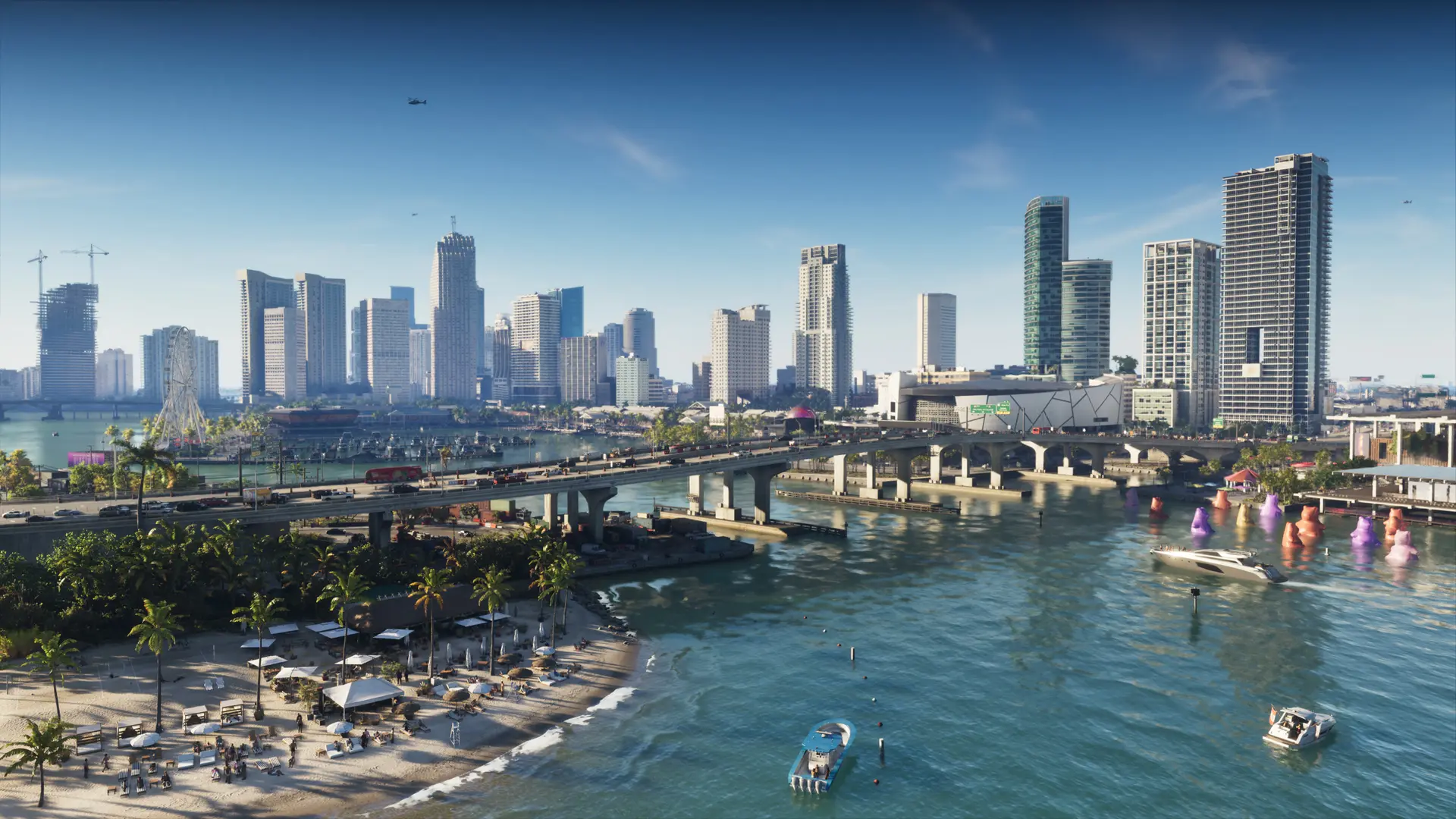
 Image: © Rockstar Games
GTA 6 and kids: a guide for parents
No lecturing, no panic: just the facts to make an informed decision. And, if you say yes, how to stay in control of the console.
Key points
Summary
GTA 6 is officially rated ESRB Mature 17+ and PEGI 18. It contains realistic violence and strong language, and deals with drugs and sex. Online mode lets players talk to strangers and offers purchases with real money. The decision is yours: this guide helps you make it and, if needed, set boundaries.
Understand
What the age rating means
The ESRB rated GTA 6 Mature 17+ with seven content descriptors: Blood and Gore, Intense Violence, Mature Humor, Nudity, Strong Language, Strong Sexual Content and Use of Drugs, plus In-Game Purchases. In Europe it is PEGI 18. A rating is a guide, like a film certificate: it judges content, not quality. Some retailers may refuse to sell it to minors.
In practice
What's really in the game
- Violence: shootouts, heists, car chases, often from the criminals' point of view.
- Language: crude and constant, in dialogue and on the in-game radio.
- Adult themes: drugs, alcohol, sexual references, very blunt social satire.
- Online mode: voice or text chat with strangers, and virtual currency bought with real money.
The best way to make up your mind: watch an official trailer with your child, and talk about it.
Step by step
Setting up parental controls
On PS5
- Settings → Family and Parental Controls → Family Management (or the PlayStation App on your phone).
- Create a child account linked to your adult account.
- Set the game age limit.
- Adjust communication with other players.
- Set a monthly spending limit ($0 for peace of mind).
- Optional: a daily playtime limit.
On Xbox
- Install the free Xbox Family Settings app on your phone.
- Add your child's account to your Microsoft family group.
- Choose an age-based content filter.
- Turn on “Ask a parent” for every purchase.
- Restrict multiplayer and communication.
- Set a daily screen time limit.
Budget
What does it really cost?
- The game: $69.99 official price ($99.99 for the Ultimate Edition).
- Online play: PlayStation Plus or Game Pass, around $80 a year.
- In-game purchases: optional, but unlimited if you don't set a cap.
Further reading
Useful resources
Your questions
My 13-year-old says all their friends play it. What do I do?
It's often true, and hard for them. You can explain why the game is rated for adults, suggest another game their friends also enjoy, or agree on an age to revisit the question. A decision that's explained is easier to accept.
What about a 16 or 17-year-old?
Many parents say yes at that age, with boundaries: single-player rather than online, a $0 spending limit, set hours. The settings above do exactly that.
Can I block only the online mode?
Partly: on PS5 and Xbox you can turn off communication and purchases. Without a PlayStation Plus or Game Pass subscription, online play isn't available anyway.
Can in-game purchases drain my bank card?
Only if a card is saved with no limit. Set a $0 cap (PS5) or turn on “Ask a parent” (Xbox).